
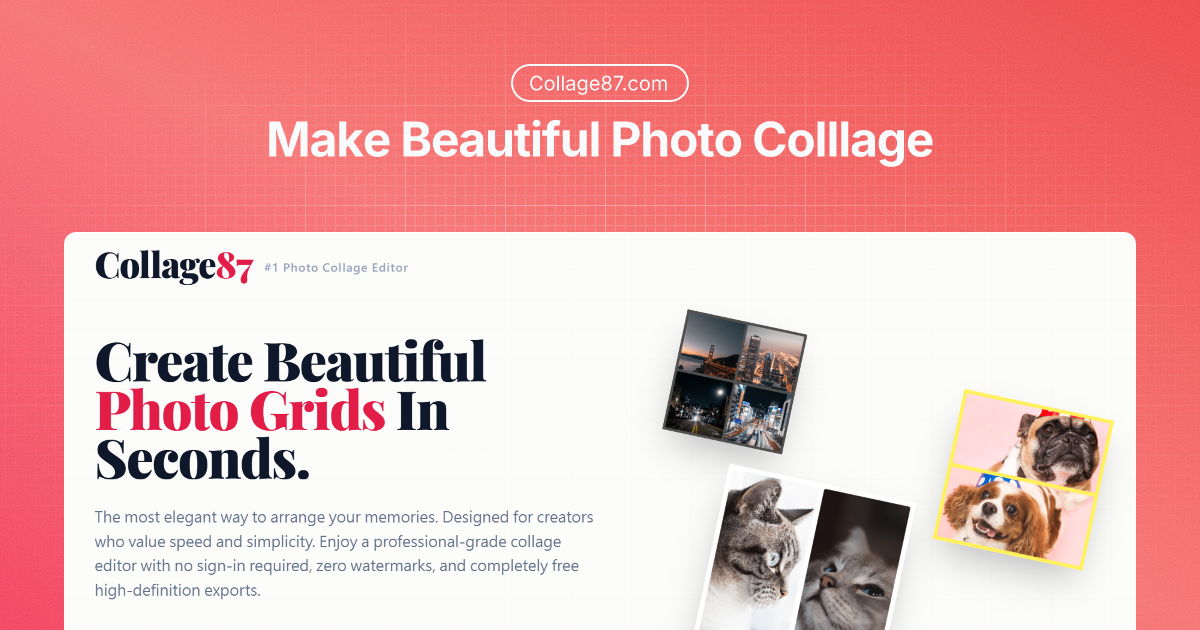
What is Collage87
Collage87 is an online photo grid maker and collage editor designed for creators who value speed and simplicity. It lets you arrange multiple photos into clean, professional layouts for social media, print, and digital displays—without sign-ups, watermarks, or low‑quality exports. With customizable grids, spacing, margins, and corner roundness, Collage87 gives you powerful creative control while keeping the interface minimal and easy to use.
How to use Collage87
Choose your canvas size
Select a preset size based on your target platform:- Square (1200 x 1200) for general posts and feeds.
- IG Story (1080 x 1920) for vertical stories.
- IG Portrait (1080 x 1350) for portrait posts.
- FB Post (1200 x 630) or FB Cover (1920 x 721) for Facebook.
You can also manually set custom width and height in pixels if you need a specific dimension.
Pick the layout orientation
Decide whether your collage should be horizontal or vertical by choosing the Orientation setting. This will determine how your overall grid flows on the canvas.Set rows and columns
Define the structure of your grid by entering:- The number of rows.
- The number of columns for each row (for example, Row 1 with 2 columns, Row 2 with 2 columns).
You can also choose a Popular Layout, such as: - 1 Photo
- 2 Photos (Vertical)
- 2 Photos (Horizontal)
- 4 Photos (Grid)
- 1+2 Mixed (Horizontal)
- 2+1 Mixed (Vertical)
Adjust style settings
Fine‑tune the look of your grid using the Styles controls:- Spacing (Gap): Set the distance between photos.
- Outer Margin: Control the padding between the collage and the canvas edge.
- Roundness: Adjust corner radius for softer or sharper edges.
- Background Color: Pick a hex color (e.g., #ffffff) for the canvas background to match your brand or theme.
Add and arrange photos
Upload or drag your images into the grid cells. For each image, you can:- Drag to reposition the visible area inside its frame.
- Zoom in or out to focus on key subjects.
- Rotate or flip if needed to balance the composition.
Refine your collage in real time
Preview your collage as you adjust rows, columns, spacing, and margins. Use the instant visual feedback to:- Re-balance the layout.
- Fix awkward crops or overlaps.
- Experiment with different grid structures and background colors.
Use additional tools if needed
From the Collage87 toolbox, you can jump to related utilities:- Split Photo: Cut a single image into multiple parts.
- Photo Tile: Create repeating patterns and tiles.
- Grid Overlay: Add an artist grid overlay for alignment or drawing references.
- Photo Brightness: Adjust exposure to make your collage more cohesive.
Export your collage
Once satisfied with the layout:- Click Export PNG.
- Download a high‑definition PNG file suitable for social media, printing, or digital frames.
Your export is watermark‑free and ready to publish or share.
Collage87's use case
- Social media photo grids: Build clean 2x2 or multi‑row grids for Instagram, Facebook, and other platforms that showcase events, products, or daily moments in a single visual.
- Stories and vertical content: Design full‑screen IG Stories or other vertical story formats with tailored dimensions and layouts that highlight multiple photos in one frame.
- Portfolio and case study boards: Arrange project images, before‑and‑after shots, or design explorations into structured grids for portfolios, presentations, and pitch decks.
- Marketing and promo collages: Combine product shots, lifestyle imagery, and text elements into promotional collages for campaigns, ads, or email visuals.
- Print-ready photo boards: Create layout‑perfect collages for printing as posters, postcards, or photo boards for events, exhibitions, or personal keepsakes.
- Moodboards and inspiration layouts: Quickly compile reference images, color palettes, and textures into a visual board when brainstorming creative directions.
- Content batching for creators: Prepare multiple social posts at once by exporting different grids in platform‑optimized dimensions to streamline your content pipeline.
- Digital frames and displays: Build mosaics and multi‑image layouts tailored to the resolution of digital frames, signage, or displays.
Benefits of Collage87
- No sign-in and zero friction: Start creating instantly without accounts, passwords, or onboarding steps, making it ideal for quick creative tasks and on‑the‑go workflows.
- Watermark‑free exports: Maintain full control of your visual identity; exports come without branding or overlays so your collages look clean and professional.
- High-definition output: Export sharp PNG files suitable for both online sharing and physical printing, preserving detail and reducing artifacts.
- Flexible, dynamic grids: Support for classic grids, mixed layouts, and custom row/column configurations lets you adapt the collage structure to your content instead of forcing your images into rigid templates.
- Precise visual control: Adjustable spacing, margins, roundness, and background color give you granular control over the final look, helping match brand guides or aesthetic preferences.
- Creator‑friendly workflow: Rotate, flip, drag, and zoom each image directly on the canvas to fine‑tune framing without switching between complex editing modes.
- Optimized for social platforms: Built‑in sizes for major social formats reduce guesswork and ensure your collages display correctly across feeds, stories, and covers.
- Minimalist, distraction‑free UI: A clean interface focuses on core editing tools, helping you move from idea to finished collage in seconds instead of getting lost in cluttered menus.
- Unified photo toolset: Integrated tools like Photo Grid, Split Photo, Photo Tile, Grid Overlay, and Brightness Adjust create a cohesive workspace for a wide range of image layout and adjustment tasks.