
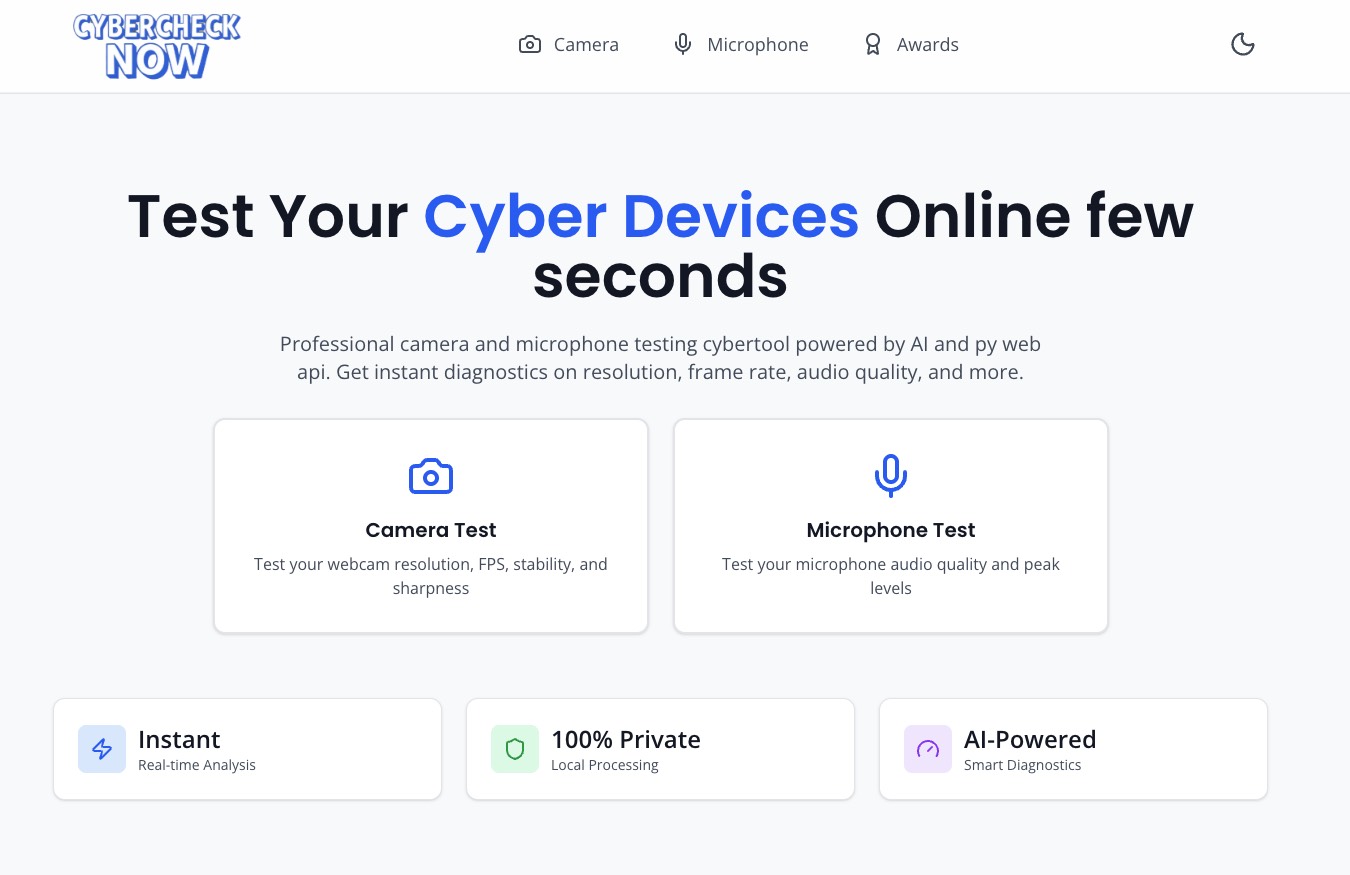
What is CyberCheck Now
CyberCheck Now is a browser-based webcam and microphone testing tool designed for fast, professional-grade diagnostics. It helps you verify camera resolution, frame rate, image sharpness, and audio quality in real time, with AI-powered analysis that runs locally in your browser. Built for creators, remote workers, and IT professionals, it delivers instant feedback on your video and audio setup without requiring registration or installation.
How to use CyberCheck Now
Open the CyberCheck Now website
Visit the CyberCheck Now homepage in your browser on desktop or mobile. The tool works on major platforms, including iOS and Android.Choose the test type: Camera or Microphone
On the main screen, select whether you want to test your camera or your microphone. Click “Test Camera Now” to start the webcam diagnosis or “Test Microphone” to analyze your audio setup.Allow browser permissions for your device
When prompted, grant your browser permission to access your camera or microphone. This access is required to run diagnostics, and all processing is handled locally in your browser for privacy protection.Run the CyberCheck Now camera test
If you selected the camera test, CyberCheck Now will display a live video preview. The tool automatically detects your resolution (including up to 4K), tracks frames per second (FPS), and uses AI to evaluate image sharpness and clarity. Watch the real-time metrics and quality ratings to validate that your camera is performing as expected.Run the CyberCheck Now microphone test
If you selected the microphone test, speak into your mic and observe the real-time audio meter. CyberCheck Now measures input levels, detects background noise, and assesses overall audio quality. Adjust your speaking distance, environment, or microphone settings while watching the meter respond.Interpret the diagnostic results
Review the feedback provided by CyberCheck Now, including resolution, FPS performance, AI sharpness analysis, and audio health indicators. Use this information to determine whether your hardware and environment are ready for video calls, recordings, or live streaming.Optimize your setup and retest if needed
Based on the results, adjust lighting, camera position, microphone placement, or device settings. Then rerun the relevant test with CyberCheck Now to confirm your improvements and lock in an optimal setup.
CyberCheck Now's use case
Remote work and online meetings
Professionals can use CyberCheck Now before important video conferences to ensure their camera and microphone are working properly, with clear visuals and audible sound, avoiding awkward technical issues at the start of a call.Content creation and live streaming
Creators, streamers, and podcasters can verify image sharpness, frame rate stability, and audio quality before going live or recording, making sure their setup meets the standards of their platform and audience.Virtual events, webinars, and online training
Hosts and speakers of webinars, online courses, and virtual events can run quick tests with CyberCheck Now to validate that their visuals and audio are consistent and professional for large remote audiences.IT support and device troubleshooting
Support teams and help desk staff can direct users to CyberCheck Now to quickly diagnose camera or microphone problems, differentiate between hardware and software issues, and speed up the troubleshooting process.Multi-device and cross-platform checks
Users who switch between laptops, desktops, tablets, or smartphones can use CyberCheck Now to confirm that each device’s camera and microphone are correctly configured and performing well across different operating systems.
Benefits of CyberCheck Now
Instant diagnostics with no registration
Users can access CyberCheck Now immediately in their browser, run camera and microphone tests, and receive real-time feedback without creating an account or installing additional software.AI-powered quality analysis
CyberCheck Now leverages AI sharpness analysis to provide a more intelligent assessment of your video quality, going beyond simple resolution checks to evaluate how crisp and clear your image appears.Comprehensive performance metrics
The tool combines 4K resolution detection, FPS tracking, and audio metering, giving you a complete view of both video and sound performance in one place.Privacy-first local processing
All tests are processed locally in your browser, meaning your video and audio data are not sent to external servers. This privacy-focused design makes CyberCheck Now suitable for security-conscious individuals and organizations.Optimized for both desktop and mobile
With support for iOS, Android, and desktop browsers, CyberCheck Now is flexible enough for users who rely on multiple devices, enabling consistent testing wherever you work or create content.Trusted by a global user base
With millions of tests completed and users across numerous countries, CyberCheck Now has proven reliability and recognition across startup directories and professional communities worldwide.