
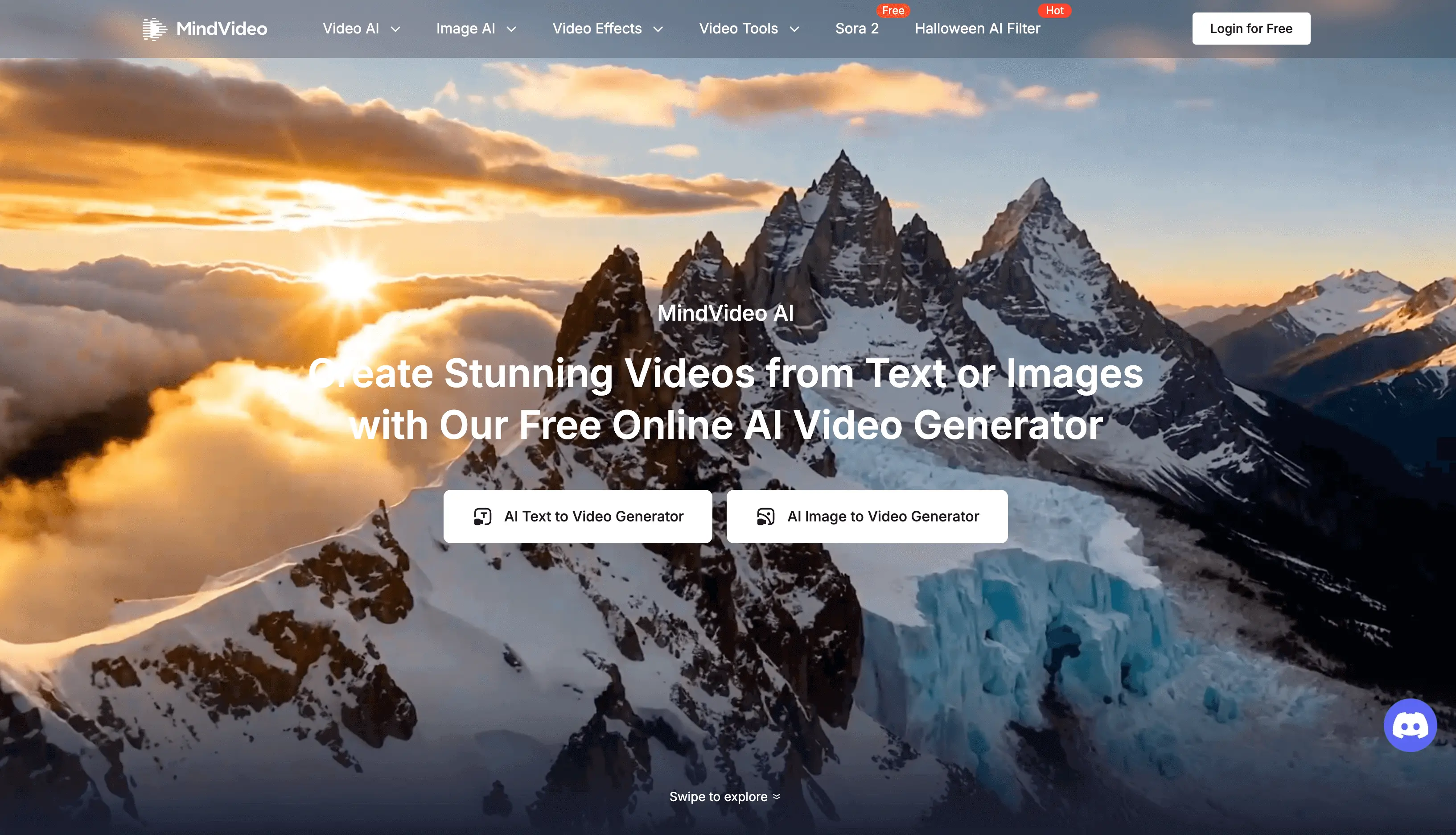
MindVideo AI Review: An All‑in‑One Studio for AI Video, Image, and Audio
MindVideo AI positions itself as a full creative studio built around AI. Instead of juggling separate tools for text-to-video, image generation, and music, it pulls everything into one workflow: generate, edit, enhance, and export from the same place.
The product is clearly aimed at creators who care about output that feels polished enough for public use—short-form social clips, ads, product shots, and stylized content—without needing a traditional production pipeline or design background.
What MindVideo AI Actually Does
At its core, MindVideo AI is a browser-based creative suite that combines three pillars:
- AI video generation (from text or images)
- AI image generation and transformation
- AI music creation and basic audio tools
On top of that, it layers editing utilities and visual effects, so you’re not just generating media—you can clean it up, extend it, and stylize it without exporting to another app.
The platform also makes a clear distinction between free and paid usage. Most tools are available to free users through a credit system, but commercial rights are reserved for paid users, which matters if you plan to use assets in campaigns or client work.
Core Features and Workflow
MindVideo AI is organized more like a creative studio than a single-purpose app. You can start with a blank prompt, an uploaded file, or an idea for a specific channel (e.g., TikTok-style short, product demo, or stylized reel), then move between video, image, and audio tools as needed.
AI Video Generator
The headline feature is the AI Video Generator. It supports:
- Text-to-video: Describe a scene, mood, or scenario in natural language and generate short clips.
- Image-to-video: Upload a reference image—such as a product photo or character design—and animate it into a clip.
The marketing examples lean on two main outputs: realistic presenters and cinematic scenes. This signals a focus on ad-style content, explainer snippets, and social-ready visuals rather than long-form videos.
Because the process skips filming entirely, it’s attractive for:
- Solo creators who don’t want to appear on camera.
- Marketers who need multiple variations of a concept quickly.
- Brands experimenting with different styles before committing to a full production.
AI Image Generator
The image tools cover both stylistic and practical needs. From the page, MindVideo AI supports:
- Text-to-image: Generate artwork directly from prompts.
- Image-to-image: Transform existing photos or designs into new styles.
The examples highlight realistic portraits, anime-style characters, fantasy art, and bold concept art. That mix suggests it’s useful both for social visuals and for creative experiments like character ideation or moodboarding.
Output is positioned as being “ready” for social media, websites, or marketing assets—meaning you’re expected to use them as-is or with minimal post-processing.
AI Music Generator
MindVideo AI also includes an AI music generator designed for royalty-free soundtrack creation. You can:
- Input your own lyrics.
- Describe the mood or genre (e.g., Lo-Fi, EDM).
- Generate original tracks for use in videos, podcasts, or social posts.
The key point here is usage rights: the platform states that you can “safely use” generated tracks, but again, full commercial rights are tied to paid plans. For creators publishing on monetized channels, that distinction is important.
Video Editing and Enhancement Tools
Beyond generation, MindVideo AI offers a set of video utilities that make it more of a finishing tool:
- AI Video Editor: Use text instructions to remove objects, change backgrounds, or tweak scenes. Instead of learning a full NLE, you describe what you want done, and the AI processes the video.
- AI Video Enhancer & Upscaler: Clean up low-resolution or noisy footage and upscale up to 4K. This is especially relevant for older clips, user-generated content, or footage from budget cameras.
- AI Video Extender: When your existing footage is a bit too short, the extender analyzes lighting and motion and generates extra frames that blend with the original clip.
These tools are particularly useful for video editors and creators who already have footage but want to salvage or improve it without spending hours in traditional software.
AI Effects and Stylization
MindVideo AI leans heavily into trendy, social-friendly effects. The library includes:
- AI Dance Generator
- Lunar New Year video effects
- Photo-to-anime and Ghibli-style video
- AI Muscle Generator
- Earth zoom-out
- AI Hug Generator
- 3D Polaroid filter and similar stylized transformations
These are clearly aimed at TikTok, Instagram, and YouTube Shorts creators. Rather than shooting complex transitions or motion graphics, you can feed in simple footage or photos and get an on-trend stylized result.
Additional Tools and Models
The platform also exposes a variety of named AI video models (PixVerse, Seedance, Kling, and others), indicating that it’s more of a unified interface on top of multiple underlying engines. This could matter for users who care about particular model aesthetics or strengths.
There’s also a set of specialized tools listed, such as:
- Face swap
- Product video maker
- Talking pet
- Lip sync
- Draw-on-video
- AI avatars
These suggest a breadth of niche features that go beyond basic generation and into more playful, creator-centric workflows.
Who MindVideo AI Is For
The positioning on the page is explicit about its target audiences:
- Social media influencers: For short, eye-catching clips with viral-style effects and animated static shots.
- Content creators: For generating new ideas when inspiration runs dry, extending strong clips, and adding music without licensing headaches.
- Marketers and brands: For faster campaign production—ad creatives, product demos, and branded videos—without relying on large external teams.
- Video editors: For speeding up repetitive enhancement tasks, cleaning up footage, and applying distinct looks or effects.
The common thread is anyone producing visual media regularly who wants to reduce the manual workload of shooting, editing, and asset creation, but still cares that the end result looks polished and on-trend.
Practical Use Cases
Looking at the feature set, a few concrete workflows stand out.
Social Shorts and Reels
A creator filming simple talking-head or lifestyle footage can:
- Shoot basic clips on a phone.
- Use the AI Video Enhancer to clean up resolution and color.
- Drop in AI effects like dance generators, zoom-out, or stylized filters.
- Generate a royalty-free Lo-Fi or EDM track to match the vibe.
- Export a ready-to-post short for TikTok, Instagram, or YouTube.
This approach reduces the need for complex editing apps while still achieving an algorithm-friendly look.
Product and Brand Content
An e-commerce marketer might:
- Upload static product photos.
- Turn them into short AI-generated video shots using image-to-video.
- Apply specific effects to match a campaign theme (e.g., seasonal animations, stylized filters).
- Use the AI Video Editor to remove distracting backgrounds or objects.
- Generate background music and finalize a batch of ads without a production crew.
For small teams, this can cover a large portion of their creative needs without specialized designers or editors.
Repurposing and Extending Existing Footage
For editors or creators with large footage libraries:
- Take older, low-res clips.
- Use the Video Enhancer & Upscaler to bring them up toward 4K and reduce noise.
- Extend clips for better pacing using the AI Video Extender.
- Add new stylized sequences with AI-generated inserts or transitions.
- Re-release content in updated formats or as compilations.
This is particularly relevant for channels looking to refresh archives for newer platforms or higher-res displays.
Quick Concept Visuals and Moodboards
Designers or storytellers can:
- Use the image generator for character, setting, or mood exploration.
- Animate key images into short video loops.
- Lay AI-generated music underneath to convey tone.
- Share concepts with teams or clients without committing to full production.
This fits early-stage ideation, pitch decks, and narrative exploration where speed matters more than pixel-perfect control.
Strengths and Limitations
No single tool covers every creative need. MindVideo AI has a clear set of strengths, but also some boundaries to be aware of.
Where MindVideo AI Stands Out
- Unified workflow: Being able to move from text prompt to video, then enhance, stylize, and soundtrack within the same platform is a genuine convenience, especially for non-technical users.
- Breadth of creative options: Between traditional generation, enhancement tools, and viral-style effects, there’s enough variety to support both playful experiments and more polished brand assets.
- Low barrier to entry: The emphasis on “no design or editing skills required” aligns with text-based instructions and automated enhancements, reducing the learning curve compared with professional NLEs or design suites.
- Rights clarity for paid users: The explicit note that commercial rights are available to paid users gives businesses clearer guidelines on how they can use generated content.
Potential Limitations and Trade-Offs
- Commercial use gated behind paid plans: Free users are limited to personal use, which is fine for experimentation but restrictive if you’re building a business around the content.
- Reliance on model stability: The FAQ acknowledges that generation can fail due to “temporary model instability,” recommending switching models when that happens. For high-stakes or time-sensitive projects, this adds a layer of unpredictability.
- Less control than pro editing suites: While text-based editing is convenient, experienced editors may miss granular timeline control, keyframes, and advanced compositing. MindVideo AI appears better suited to fast-turnaround content than complex post-production.
- Effect-driven aesthetic: Many promoted features emphasize trendy or stylized looks. That’s an asset for social-first creators, but teams seeking strictly conservative, traditional visuals might find some outputs too stylized by default.
Pricing, Access, and Data Handling
From the page, MindVideo AI uses a credit-based access model:
- Most tools are available to free users with a limited pool of credits.
- New users receive free credits upon registration.
- Additional credits can be earned via daily check-ins or referrals.
- Commercial rights apply to paid users, while free users are limited to personal use.
On the data side, the platform states that uploaded and generated content can be deleted by the user and that data is encrypted for privacy and security, which is now a baseline expectation for any cloud-based creative tool.
Where MindVideo AI Fits in the AI Tool Landscape
MindVideo AI sits somewhere between single-purpose generators and full creative suites. It’s not trying to be a high-end video editor or a pure art model playground. Instead, it’s tailored to the everyday workflows of social creators, marketers, and small teams who need a large volume of acceptable, on-brand content quickly.
If your work revolves around short-form, visually engaging media and you prefer to stay in one tool from idea to export, MindVideo AI is worth considering. For deep, frame-precise post-production or highly customized visual pipelines, it’s more realistic to see it as a companion rather than a replacement for traditional software.