
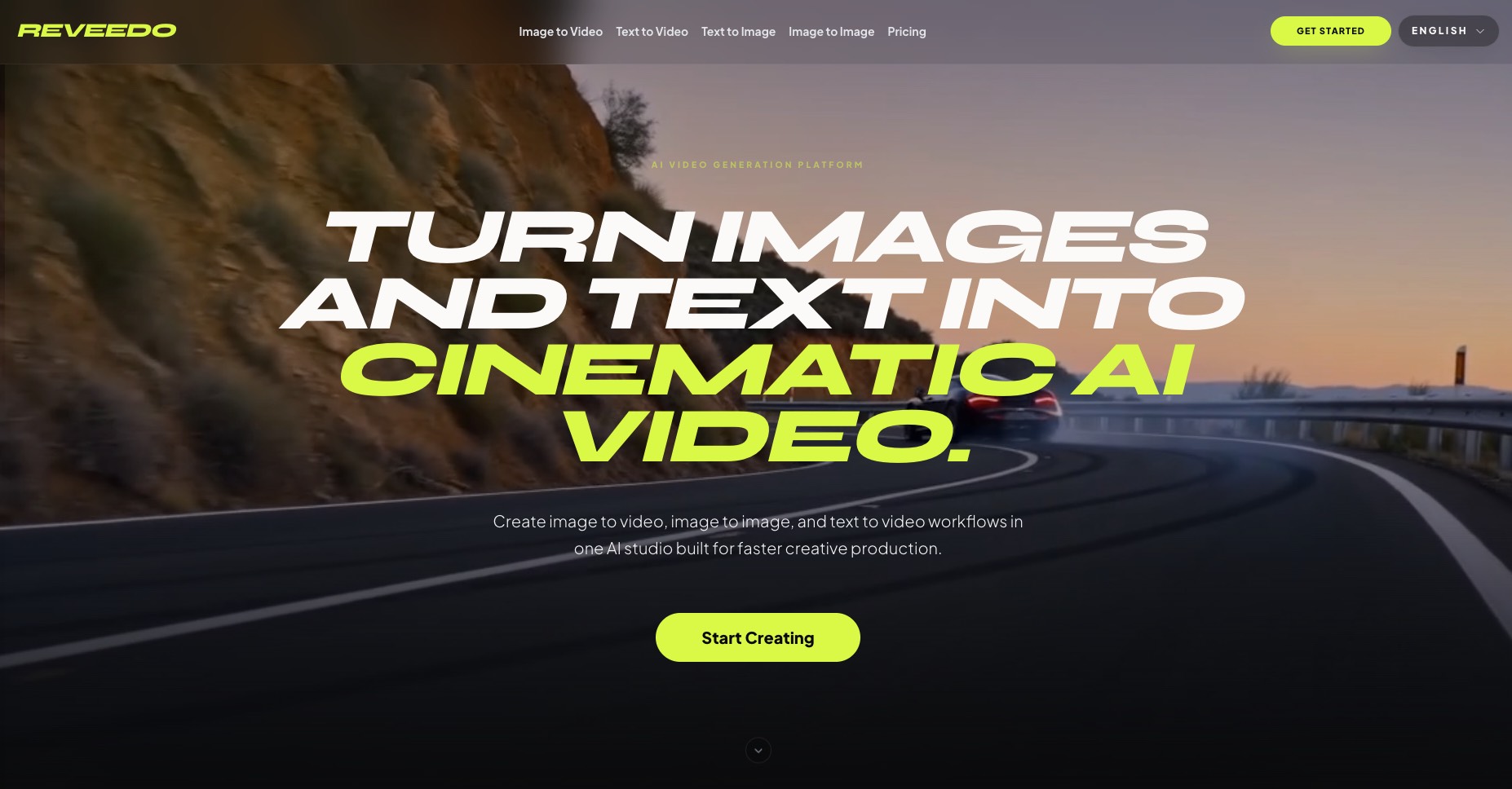
What is ReVeedo
ReVeedo is an AI video generation platform that turns still images and text prompts into cinematic video. It brings image to video, image to image, and text to video workflows into a single studio built for creators, marketers, and production teams who want polished, controllable motion without heavy manual editing. With neural motion synthesis, it focuses on premium, editorial-quality outputs that feel directed rather than generic.
How to use ReVeedo
Sign up and choose a plan
Go to the ReVeedo homepage and create an account. Select a subscription tier (Basic, Advanced, or Enterprise) based on how many credits and renders you need for your content pipeline.Pick your workflow: Image to Video, Image to Image, or Text to Video
From the main studio, choose whether you want to start from a still image, transform an existing image, or generate motion directly from a text prompt. This determines which AI workflow ReVeedo will guide you through.Upload your source image or enter your prompt
For Image to Video and Image to Image, upload a still frame, portrait, product shot, or reference image you want to animate or restyle. For Text to Video, write a descriptive prompt that covers scene, subject, camera motion, lighting, and mood.Describe motion, style, and pacing
Refine your prompt with details like camera movement (dolly-in, slow push-in, drift), fabric or hair motion, character actions (head turns, blinking, adjusting glasses), lighting (cinematic backlight, studio contrast), and the overall editorial tone you want.Adjust creative controls and guidance
Use ReVeedo’s controls to influence how closely the output follows the original composition, how dramatic the style shift should be, and how strong the motion should feel. For image to image, keep key framing but change mood, materials, or art direction; for image to video, emphasize natural motion and pacing.Generate and review outputs
Start the generation and let ReVeedo synthesize the motion or restyled frame. Once the output is ready, preview the clip or image, check the pacing, camera beats, and aesthetic, and decide whether it fits your creative direction.Iterate with new prompts or variants
If you need alternatives, tweak the prompt, adjust motion cues, or explore different lighting and styling. ReVeedo supports rapid iteration for campaigns, mockups, and tests, so you can generate multiple variants from the same source quickly.Export and use in your projects
When you are satisfied with the result, export the generated video or image. Incorporate it into marketing materials, social media posts, product explainers, editorial stories, gaming concepts, or film previsualization workflows according to your production needs.
ReVeedo's use case
Fashion and beauty campaigns
Turn high-end stills into moving editorials with subtle head turns, fabric movement, hair motion, and cinematic lighting for premium campaign visuals and social content.Product storytelling and advertising
Use text to video and image to video to create quick product explainers, ad concepts, and launch visuals, helping marketing teams test ideas and directions before full-scale production.Filmmaking and previsualization
Translate written scenes into motion, explore camera moves, mood, and composition, and quickly generate cinematic mockups that help directors and creatives previsualize sequences.Gaming and worldbuilding
Generate atmospheric scenes, character motion tests, and short environmental loops from prompts or still references to support concept art, pitch decks, and early game visuals.Editorial and social content creation
Upgrade portraits and still photography into editorial frames or short motion clips that fit magazine-style stories, branded content, and always-on social feeds with a consistent, polished look.
Benefits of ReVeedo
Unified AI studio for multiple workflows
ReVeedo brings image to video, image to image, and text to video into one environment, making it easier for individuals and teams to move between stills, motion, and concept scenes without juggling separate tools.Cinematic control over motion and pacing
Instead of generic animations, ReVeedo focuses on controllable camera moves, subtle character actions, and editorial pacing, helping outputs feel intentional and aligned with high-end production standards.Fast creative iteration for teams
With credit-based plans and prompt-led workflows, teams can generate many variations for launches, client work, and campaign testing, shortening the path from written idea or static asset to usable visual output.Consistent visual quality and styling
Image to image workflows let you preserve composition while shifting lighting, mood, and styling, making it easier to maintain a cohesive visual language across campaigns, shots, and platforms.Accessible for non-editors
Because ReVeedo is prompt-driven, users do not need advanced editing or compositing skills. Creators, marketers, and storytellers can direct complex visuals using descriptive language and references rather than manual timelines.