
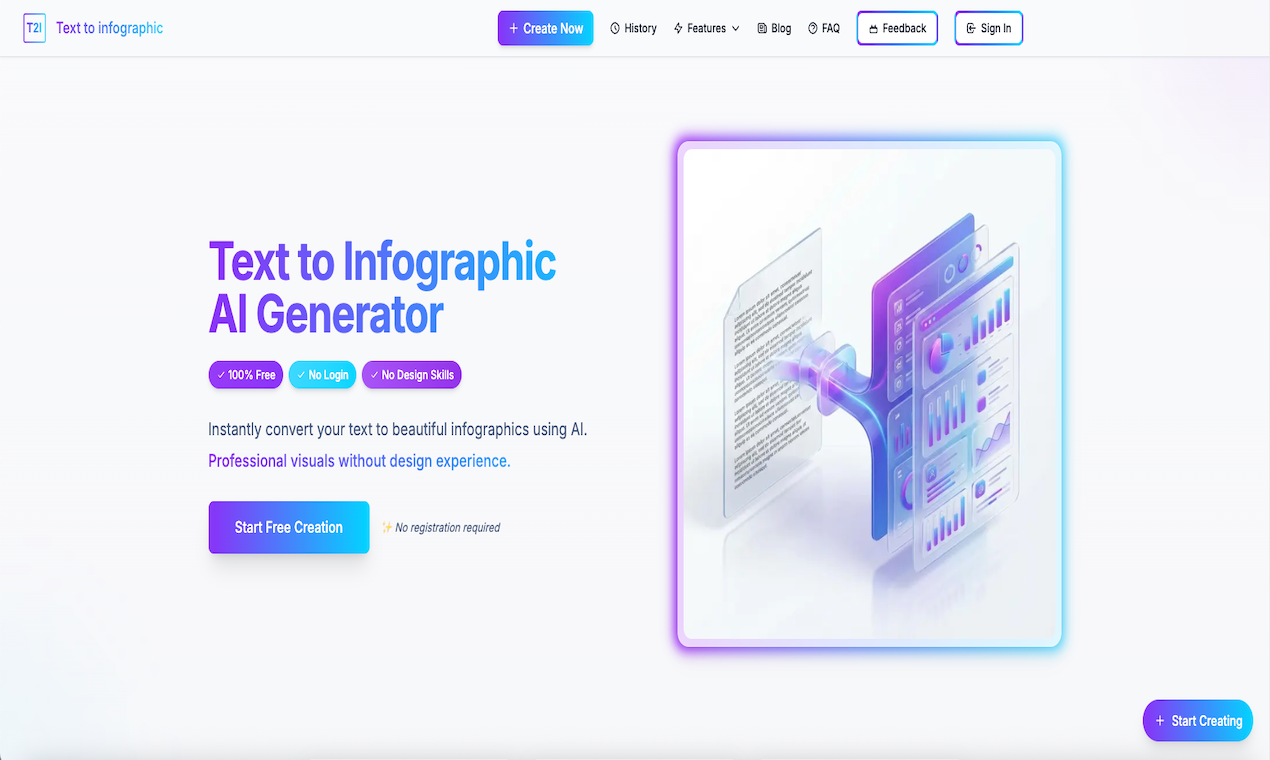
What is Text to Infographic
Text to Infographic is an AI-powered text-to-infographic generator that transforms your articles, summaries, reports, and other written content into structured, visually engaging infographics. It automatically analyzes your text, identifies key points, and arranges them into clear layouts optimized for screens and presentations.
How to use Text to Infographic
Open the tool homepage
Visit the Text to Infographic website and go to the main creation area by clicking “Start Creating” or “Create Now”.Prepare and input your text
Collect the content you want to visualize (such as a blog post, study notes, report, or social content script). Paste up to 10,000 characters of text into the input box.Review language and structure
Make sure the text is coherent and in the language you want the infographic to appear in. The AI supports multiple languages and will automatically detect and adapt to your input.Select infographic size
Choose between 16:9 landscape (ideal for slides, desktops, and wide screens) or a mobile-friendly vertical format (better for phones and social media feeds).Click to generate with AI
Hit the “Generate” button. The AI analyzes your text, extracts key ideas, and designs a structured infographic with headings, sections, and visual hierarchy.Preview and refine your result
Review the generated infographic in the live preview. Check whether the sections, emphasis, and flow match your intent. If needed, edit your source text for clarity and run the generation again.Choose output format
Select your preferred export format from PNG, JPG, or PDF depending on where you plan to publish or present the infographic.Download and share
Download the final infographic file and use it in presentations, learning materials, internal documentation, or social media. Because there is no watermark, your visual is ready for direct use.
Text to Infographic's use case
- Academic learning and study notes: Convert dense lecture notes, textbook chapters, or research summaries into visual infographics that make concepts easier to review and remember.
- Business reports and presentations: Turn long internal reports, performance summaries, and strategy documents into concise visuals for stakeholder presentations and slide decks.
- Content marketing and blogging: Transform blog posts, how‑to guides, and listicles into infographics that increase engagement, saves, and shares across websites and social channels.
- Social media storytelling: Create vertical infographics tailored for platforms like Instagram, TikTok, and Pinterest to deliver swipeable, save‑worthy educational or promotional content.
- Training and onboarding materials: Visualize SOPs, product overviews, and onboarding checklists so new hires or clients can understand processes at a glance.
- Educational handouts and worksheets: Generate classroom-ready visuals that help students grasp step‑by‑step processes, timelines, or frameworks.
Benefits of Text to Infographic
- Saves significant design time: Replace hours of manual layout work with AI‑generated infographics created in just a couple of minutes.
- No design expertise required: The tool handles typography, spacing, and visual hierarchy so users without design backgrounds can still produce polished visuals.
- Clearer communication of complex ideas: By extracting key points and organizing them visually, the tool helps audiences understand and retain complex information more easily.
- Multiple export and size options: Support for PNG, JPG, and PDF plus both 16:9 and mobile‑optimized layouts makes the output versatile for slides, documents, and social platforms.
- Language-flexible workflows: Automatic language detection allows users to create infographics in many different languages using the same interface.
- Consistent visual quality: AI‑driven layouts maintain a professional, structured style across all infographics, improving brand and content consistency over time.