
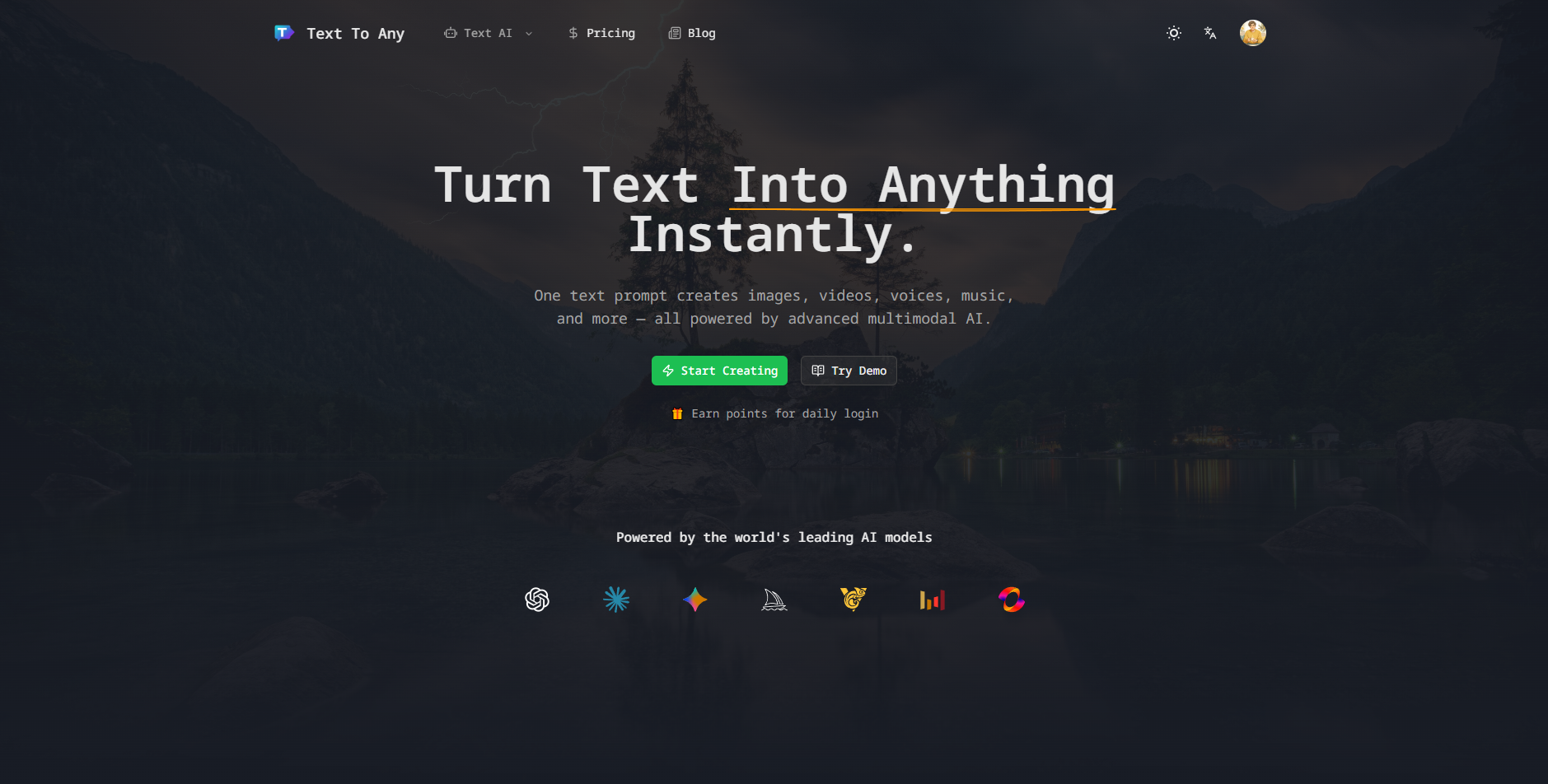
What is Text To Any
Text To Any is a multimodal AI creation workspace that converts simple text prompts into images, videos, music, voice, and written content in one place. Instead of juggling multiple single‑purpose tools, you use one unified platform with shared credits, centralized history, and access to top-tier AI models for visual, audio, and text generation.
How to use Text To Any
Sign up and sign in to your account
Visit the Text To Any website, create an account, and sign in. Choose a plan that matches your usage needs so you can start generating content across text, image, video, voice, and music.Choose the content type you want to create
From the dashboard, pick a generator such as Text to Image, AI Avatar Generator, AI Video Editor, AI Music Generator, AI Story Generator, or AI Voice Synthesis. Each tool is optimized for a different media type but shares the same familiar interface.Write a clear, contextual prompt
In the prompt box, describe your goal, audience, style, and constraints. For example, specify visual style, video length, resolution, language, voice tone, or music mood. The more context you provide, the more accurate and on‑brand the output will be.Select models and fine‑tune settings
Choose from the available AI models (such as Sora 2 Pro and Veo 3.1 for video, Flux 2 and Nano Banana Pro for images, Suno for music, and advanced text models for writing). Adjust advanced options like aspect ratio, duration, quality level, or other parameters to match your project.Generate multiple variations
Click generate to produce content. Use batch generation to create several variations at once—multiple images, video options, tracks, or story drafts. Compare results inside the same workspace without switching tools or tabs.Review, iterate, and refine
Browse your unified history to review outputs. Tweak your prompts or settings and regenerate improved versions. Use built‑in editing tools to trim videos, adjust color, polish motion, refine text, or adjust audio and music until the content meets your standards.Manage assets in your library
Organize your generated assets through the cloud storage and management features. Tag, sort, and revisit image, video, music, voice, and text outputs so you can reuse or repurpose them across different projects and campaigns.Export in the format you need
When you are satisfied, export your images, videos, audio files, or text documents with one click. Select the appropriate resolution, format, and quality for platforms like social media, ads, presentations, podcasts, or internal docs.Integrate via API for automation
If you are a developer or a business integrating AI into your workflow, use the Text To Any API. Connect it to your applications or pipelines to automate recurring content generation tasks at scale.
Text To Any's use case
Marketing campaigns and social media content
Plan and produce full campaign assets—ad visuals, short promo videos, background music, voiceovers, and copy—inside one workspace, ensuring consistent branding across all channels.Brand design and creative ideation
Generate moodboards, product concepts, commercial design assets, and creative variations quickly, helping designers explore directions before moving into manual refinement.Video production and post‑production
Create and polish video content for ads, reels, demos, launches, and educational content using AI-assisted editing, motion polish, captions, and creative styles.Podcasting and audio storytelling
Produce background music, intros, outros, and voiceovers, then combine them with scripts generated by the text models to speed up podcast and audio content production.Education and training materials
Teachers and trainers can generate visual aids, explainer videos, narration, and written lesson content to make courses more engaging and easier to update.Product demos and startup assets
Entrepreneurs can quickly produce pitch visuals, landing page imagery, explainer videos, and brand sounds without building a large in‑house creative team or outsourcing every asset.Game, app, and interactive experiences
Generate concept art, UI mockups, background music, and narrative text to prototype games or applications and iterate on creative directions efficiently.Content creation for individual creators
Influencers, streamers, and independent creators can create avatars, thumbnails, short‑form videos, and branded audio elements to maintain a cohesive personal brand.
Benefits of Text To Any
Unified multimodal workspace
Work with images, videos, music, voice, and text in a single platform, avoiding the complexity and cost of multiple disconnected tools.Efficient pricing and shared credits
Use one account and one credit system across all content types, reducing overlapping subscriptions and simplifying cost management for individuals and teams.Faster time from idea to publish
Generate, iterate, edit, and export content in one continuous flow, cutting out context switching and enabling rapid campaign launches or content updates.Access to world‑class AI models
Tap into leading models like Sora 2 Pro and Veo 3.1 for video, Flux 2 and other top image models, advanced language models for text, and Suno for music, all curated inside the same environment.Consistent brand quality and style
Maintain a coherent look and feel across avatars, marketing visuals, videos, music, and copy by using shared prompts, presets, and unified asset management.Professional‑grade output
Generate high‑quality, production‑ready content that meets industry expectations for resolution, clarity, and polish, suitable for commercial use.Robust history and asset management
Keep track of all prompts and outputs in one place. Reuse, remix, or extend past work without rebuilding prompts from scratch, which is especially valuable for long‑term projects.Scalability through API integration
Integrate Text To Any into custom tools, websites, or internal systems, allowing businesses to automate large volumes of content generation and streamline workflows.User‑friendly interface for all skill levels
Get started with simple text prompts and intuitive controls, making advanced AI creation accessible to marketers, educators, entrepreneurs, designers, and creators without technical backgrounds.Commercial‑ready usage rights
Use the generated content in business, marketing, education, and creative projects with commercial rights provided under eligible plans, giving confidence to deploy outputs in real‑world scenarios.