What is Voiceslab?
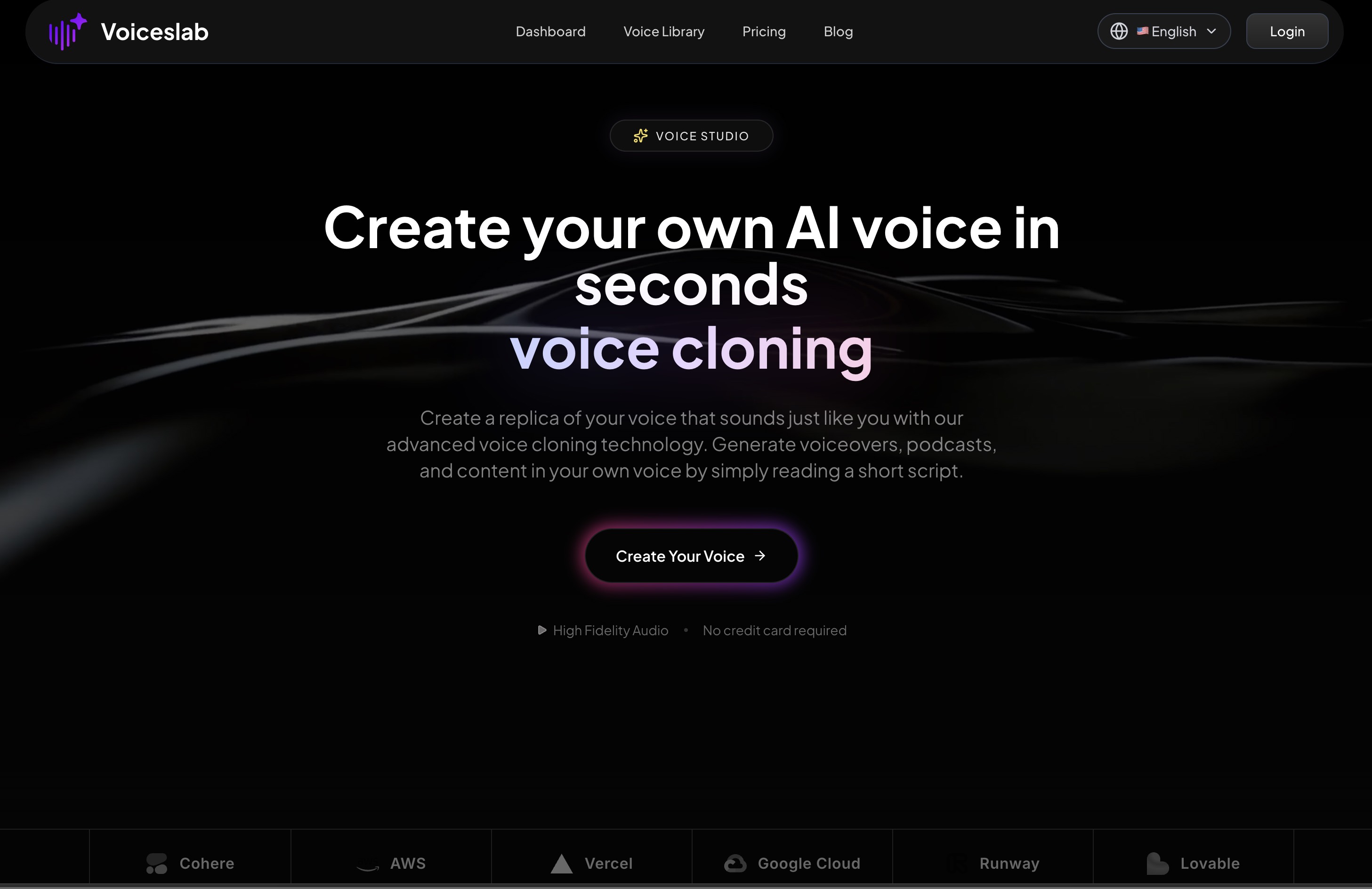
Voiceslab is an AI voice cloning platform that lets you create a realistic digital version of your own voice (or another voice you have the rights to use) from a short recording. Once the clone is created, you can generate speech from text that sounds like the original speaker, in multiple languages.
The positioning is clearly product-led: this is not a research demo, but a tool aimed at creators, marketers, teams, and companies that want to produce voice content quickly without constant recording sessions or studio time.
The core promise is straightforward: read or upload 10–60 seconds of clear speech, let the system model your voice, and then use that clone to generate audio for podcasts, audiobooks, training content, marketing assets, or internal communications.
Who Voiceslab is For
From the examples and copy on the page, Voiceslab is aimed at a few clear groups:
- Individual creators who record a lot of voice content: podcasters, YouTubers, educators, and authors.
- Marketing teams that need consistent voiceovers for campaigns, product updates, and ads.
- Companies using video and audio for internal communication, training, and product education.
- Multilingual creators and brands that want to localize content into many languages while keeping a familiar, recognizable voice.
The tone of the testimonials — especially references to podcasts, audiobooks, marketing videos, and internal training — suggests that Voiceslab is targeting people who already value their own voice as a brand asset, but want to decouple content creation from being in front of a microphone every time.
Core Voice Cloning Experience
Creating a Voice Clone
The onboarding flow is intentionally simple and constrained. To create a new cloned voice, the site outlines a clear sequence:
- Upload an audio file or record directly in the browser.
- Keep the sample between 10 and 60 seconds.
- Ensure clear speech with minimal background noise.
- Name the voice clone and select the appropriate language.
- Let the AI analyze the recording and generate the clone.
The constraints around duration and quality are important. Voiceslab is explicit that input quality strongly affects output: clean audio, consistent pacing, and a natural speaking style lead to a more convincing clone. The platform discourages background music, other voices, and exaggerated delivery.
The product also sets a hard limit on generation length per request: up to 2,000 characters of text per run. Longer scripts need to be broken into segments, which is a trade-off between control and convenience, but likely helps keep the voice consistent across each chunk.
Using Your Cloned Voice
Once a voice has been created, usage revolves around a text-to-speech style workflow:
- Go to the Text-to-Speech page.
- Select “Cloned Voice” from the voice options.
- Enter the script or text you want spoken.
- Generate audio and listen, download, or reuse.
There are no advanced fine-grained controls for prosody described here — the FAQ explicitly says that direct manipulation of pauses and speech rate is not currently supported. Instead, Voiceslab leans on punctuation and natural text structure to guide rhythm. Commas, periods, and sentence length help influence where the AI should pause or continue.
This keeps the interface simpler than tools that expose dozens of sliders and timelines, but may be limiting for users who want frame-level control over timing.
Audio Quality, Speed, and Performance
The product page leans heavily on the idea that the cloned voices capture “every nuance, breath, and emotion,” and backs that up with several A/B-style examples: original voices (like “Alice,” “Brian,” and even a character-style “SpongeBob”) paired with their AI clones.
While the page itself can only hint at quality, the overall positioning suggests:
- Natural-sounding timbre and tone matching the original speaker.
- Stable pronunciation across different scripts.
- Consistency across multiple generations with the same voice.
On the performance side, Voiceslab emphasizes speed. The platform advertises 0.5s latency and “real-time generation for live applications,” which is particularly relevant if you want to explore interactive or live use cases, such as real-time narration or conversational interfaces where long delays would break the experience. For typical content creation workflows, “results in seconds” should feel comfortably fast.
Multilingual Voice Cloning
One of Voiceslab’s more distinctive aspects is its built-in multilingual support. The platform supports 24 languages, including:
Arabic, Cantonese, Chinese, Czech, Dutch, English, Finnish, French, German, Greek, Hindi, Indonesian, Italian, Japanese, Korean, Polish, Portuguese, Romanian, Russian, Spanish, Thai, Turkish, Ukrainian, and Vietnamese.
The promise here is that the system preserves the original speaker’s accent, pronunciation character, and cadence as much as possible, even when generating in a language they may not actually speak. In practice, that means:
- A creator can record a short English sample but later generate Spanish or Japanese content in a voice that still sounds like them.
- A brand can use a single “voice identity” across multiple regions, while tailoring scripts to each language.
This is probably the single biggest differentiator for global content teams, especially when combined with the character-based limits and text-to-speech workflow: you can turn existing or translated scripts into localized audio without recruiting separate voice actors per region.
Privacy, Security, and Control
Voice cloning raises obvious privacy questions, and Voiceslab addresses that up front with several claims:
- End-to-end encryption for voice data.
- Enterprise-grade security controls.
- SOC 2 compliance and daily audits.
The emphasis is on keeping the cloned voices and source recordings under the user’s control and preventing misuse or leakage. For businesses considering cloning an executive’s or brand spokesperson’s voice, these assurances — along with explicit policies in the linked privacy and terms pages — will likely be a deciding factor.
It’s also notable that the site positions the data as “your voice, your data,” which is the right direction for a product handling uniquely identifiable biometric information.
Pricing and Limits
Voiceslab uses a freemium model, but it is careful not to over-promise. The FAQ clarifies:
- Free users can create one voice clone.
- The free tier comes with a 500-character generation quota.
- Paid plans (Basic and Pro) increase character limits, number of clones, and unlock more advanced features.
The page does not go into line-item pricing here; that’s handled on a dedicated pricing page. Still, the constraints on the free tier are transparent. It’s enough to experiment with the cloning quality and basic workflow, but serious ongoing use — especially for longer-form content like audiobooks or recurring marketing campaigns — will require upgrading.
Practical Use Cases
The product page outlines several concrete applications that align well with the feature set.
Audiobooks and Podcasts
Authors and podcasters can:
- Record a short, high-quality sample once.
- Use the clone for intros, outros, sponsorship reads, or even full episodes.
- Avoid having to re-record updates or corrections.
A realistic flow might be: write a script for a podcast intro, paste it into the Text-to-Speech page, generate in the cloned voice, and drop the resulting audio into your editing timeline. When your show’s branding or messaging changes, you can update the script and re-generate without booking studio time.
Marketing and Advertising
Marketing teams can use a recognizable founder or brand voice in:
- Product launch videos.
- Feature update explainers.
- Social ads and reels.
Because generation is text-based, it becomes feasible to create multiple variations of a line (e.g., different CTAs or taglines) and test them, all while staying on voice. The time savings grows as you scale the number of assets.
Company Communications and Training
For internal communications, Voiceslab is pitched as a way to keep leadership “present” without requiring live recordings for every update:
- CEOs or department heads can have their voice cloned once.
- HR and L&D teams can script training modules, onboarding lessons, or internal announcements.
- The same voice is used consistently across different materials, reinforcing familiarity.
Testimonials mention a company cloning their CEO’s voice specifically for internal training videos, which is an example of using perceived authority and familiarity to keep employees engaged.
Global Content and Localization
Combined with its language support, Voiceslab is a fit for teams looking to:
- Localize existing video courses or product tutorials for multiple markets.
- Publish the same announcement in several languages with the same “voice owner.”
- Offer multilingual customer-facing help, FAQs, or product guides.
A typical setup could be: write a script in English, translate it, then generate localized audio in Spanish, German, or Japanese using the same cloned voice. This helps maintain brand voice consistency across geographies.
Customer Support and Help Content
While real-time call center deployment isn’t explicitly detailed, the page highlights “customer support” as a use case. Realistically, this might look like:
- Voice-based knowledge base articles.
- Guided product tours or IVR menu prompts recorded in a single cloned voice.
- Multilingual support messages without hiring separate voice talent for each language.
Strengths and Limitations
Where Voiceslab Stands Out
A few strengths are clear from the product page:
- Ease of entry: A short, 10–60 second recording is all that’s required to get started, which lowers the friction for experimentation.
- Multilingual reach: Supporting 24 languages with accent and cadence preservation makes the tool appealing for global brands and creators.
- Real-time capable performance: The 0.5s latency claim opens the door to interactive uses beyond simple offline rendering.
- Security posture: End-to-end encryption and SOC 2 compliance will matter to businesses concerned about voice misuse.
- Practical, creator-focused messaging: The use cases and testimonials feel grounded in realistic workflows: podcasts, marketing videos, training content, and audiobooks.
Trade-offs and Constraints
The product also has some clear boundaries:
- Limited fine-grained control: Currently, you can’t directly edit pauses or adjust specific timing. You rely on punctuation and script structure to influence rhythm.
- Per-generation text cap: The 2,000-character limit means longer scripts must be split, which introduces some extra management, especially for audiobook-length content.
- Free tier scope: With one clone and a 500-character quota, the free plan is more of a trial than an ongoing solution. Anyone with heavy or regular needs will need to pay.
- Recording quality dependence: While this is true for all voice cloning, Voiceslab explicitly notes that poor input (noisy, inconsistent, or overly short recordings) will lead to underwhelming clones. Users without access to a decent microphone may need to experiment.
None of these are deal-breakers, but they do shape who will get the most out of the tool. Users who want full DAW-style control over prosody and timing may find the high-level controls limiting, while users focused on fast, good-enough generation for recurring content will likely be satisfied.
How Voiceslab Fits Into the AI Voice Landscape
Voiceslab sits in the increasingly crowded space of AI text-to-speech and voice cloning tools, but it takes a focused stance:
- It emphasizes quick setup and practical use rather than granular technical controls.
- It builds around a recognizable “your voice as an asset” framing for creators and leaders.
- It leans heavily into multilingual support and security compliance, which are crucial for larger teams and companies.
If you’re a solo creator, podcaster, or author, Voiceslab offers a way to keep publishing in “your own voice” without needing to record every line. For marketing and L&D teams, it provides a repeatable pipeline from scripts to consistent, branded audio. And for organizations wary of voice misuse, the security claims and clear data ownership framing will be important.
Overall, Voiceslab is best understood as a practical, production-ready voice cloning tool: not a toy, not a full-blown audio workstation, but a focused system for turning text into believable speech in voices you control.